
Music & sound production conservatory
Crescendo, amplifies every young musician.
A brand, a student app and a social system for a conservatory for grades 7–12 — built around one idea: the crescendo, sound that grows from the first note to the main stage.
- Year
- 2026
- Role
- Branding, UX/UI, art direction
- Deliverables
- Logo system, type, 11-screen app, social, OOH
- Tools
- [Figma, Illustrator, Photoshop]
A logo that grows.
Eight rounded bars rise on one straight line, like a volume meter turning up. Only the last three turn turquoise — the moment the sound reaches forte.
CRESCENDO
½H
½H
Mark · 16 px / 5 mm
CRESCENDO
Lockup · 120 px / 30 mm
04 · Colour versions
Primary · on navy
CRESCENDO
On mist
CRESCENDO
On turquoise
CRESCENDO
One colour
CRESCENDO
✕ Don’t change the number or order of bars
✕ Don’t colour more or fewer than the last three
✕ Don’t stretch, tilt or outline the mark
✕ Don’t set the wordmark in another typeface
Three voices, one score.
Logo & eyebrows
Aa
MICHROMA
Wide and squared — the voice of the logo
Headlines & UI
Aa
Outfit Light / Regular
Airy, geometric, easy at small sizes
The expressive word
Aa
Instrument Serif Italic
One word per headline — like a dynamic marking
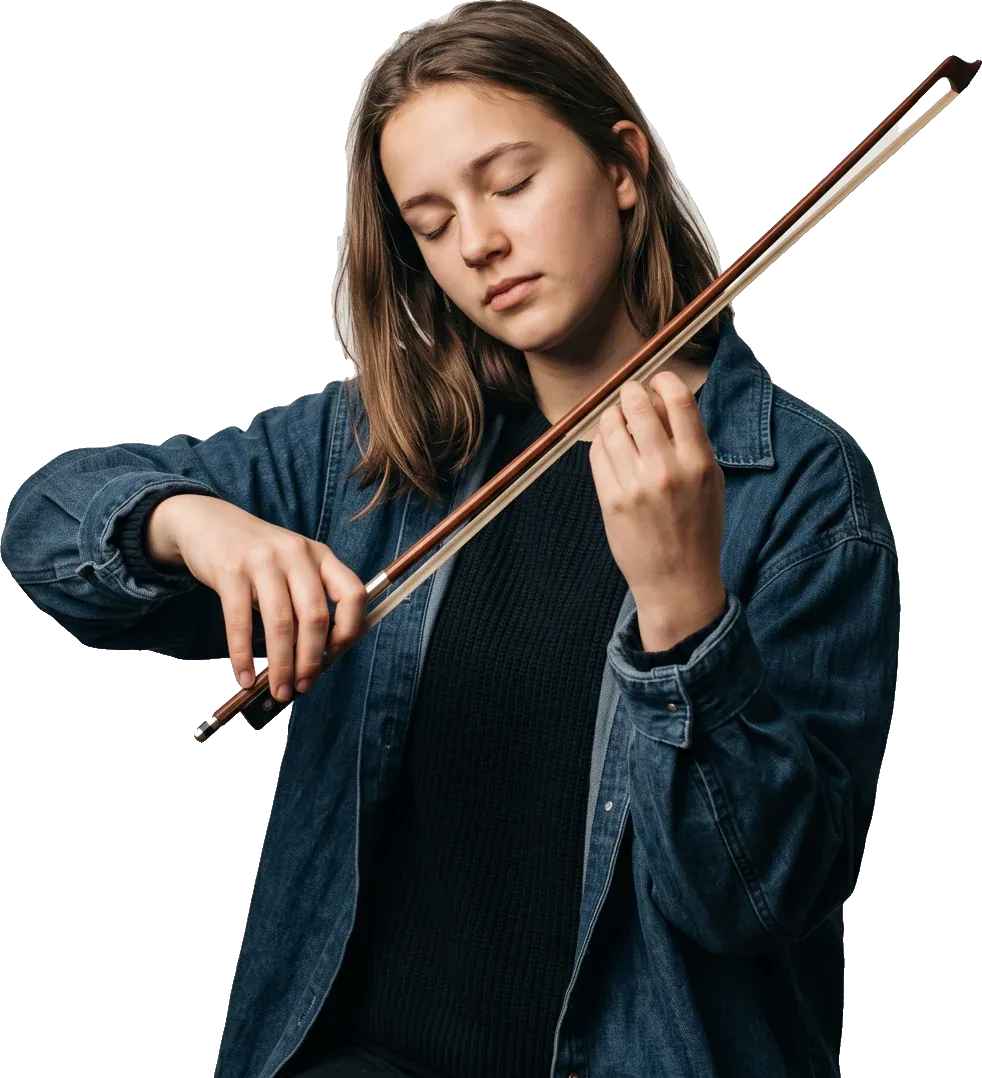
Violin · 16:30
Concert Thursday
Play.
Practice.
Perform.
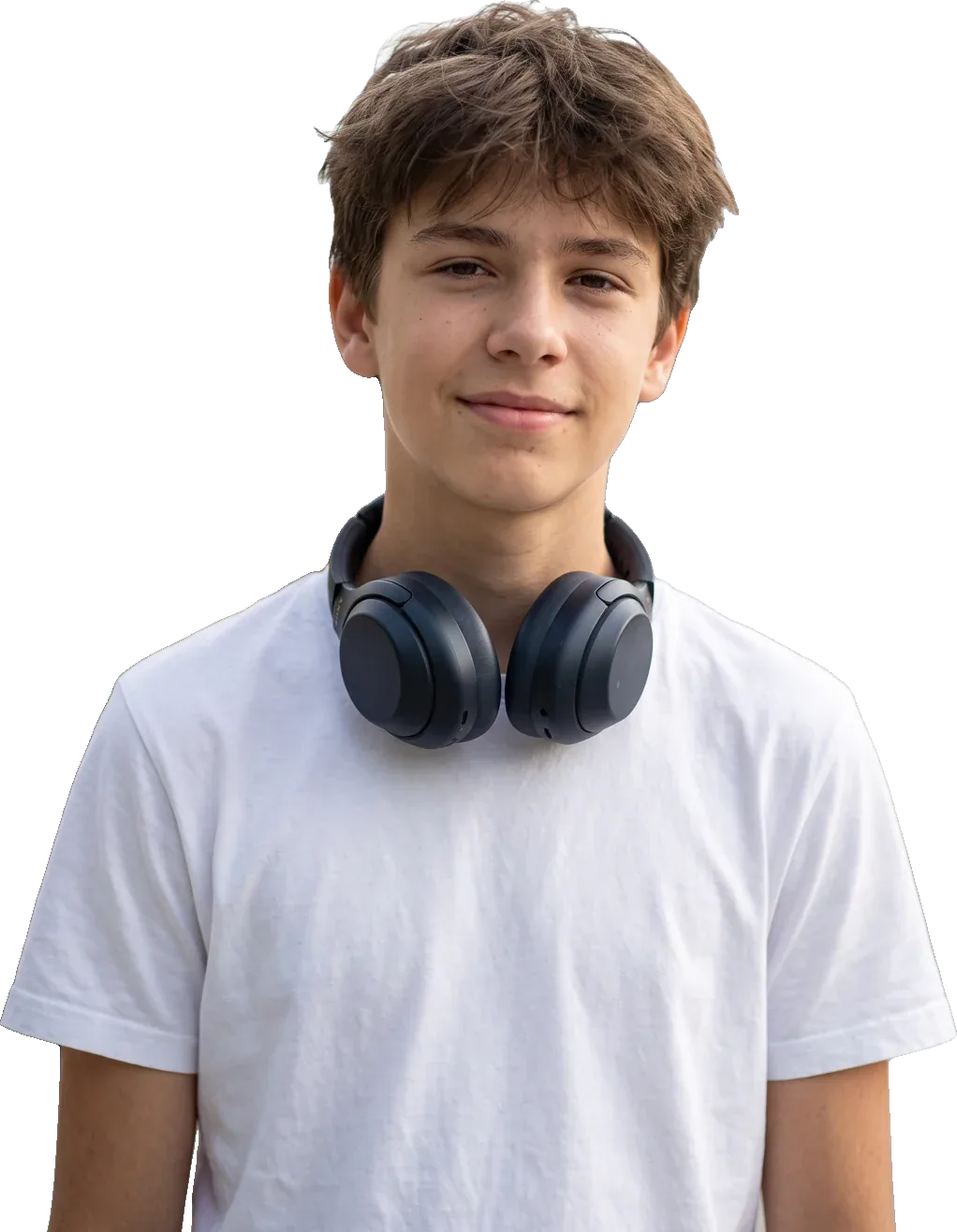
Persona
Meet the student behind the app.
“My week is lessons, orchestra, theory and a concert I’m nervous about. I want all of it in one place — and to see that I’m getting better.”
Knows what’s next, at a glance
Finds a band to play in
Gets ready for the stage
Sees his progress grow
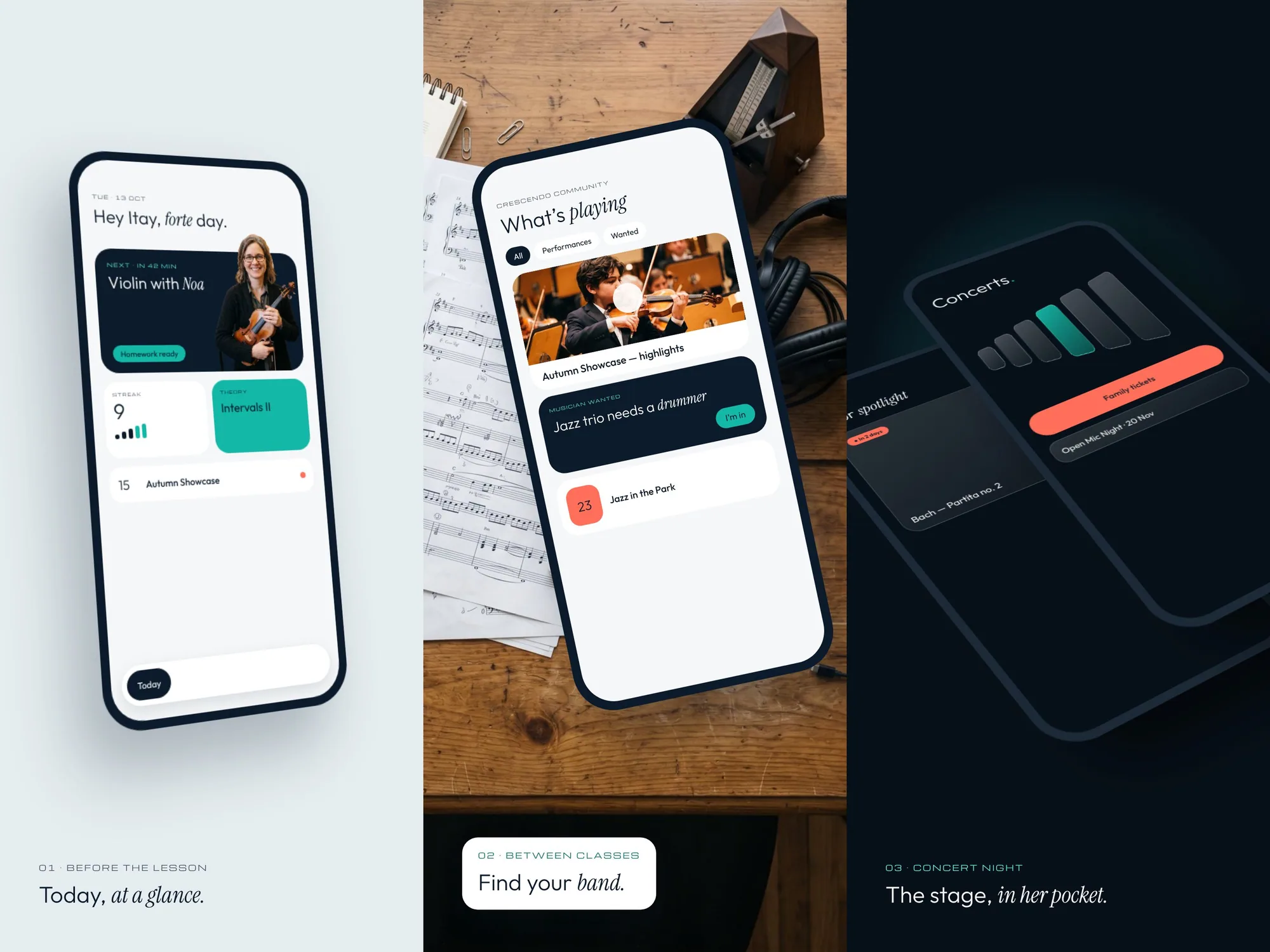
One app for the whole music week.
Light, airy screens for every day. The logo’s bars become the UI — practice streaks, quiz progress and the student’s level all grow the same way.
01 · TodayNext lesson, homework, streak and the week ahead.
02 · ScheduleLessons, theory, ensembles and bands, color-coded.
03 · FeedRecent performances, musicians wanted, gigs to go to.
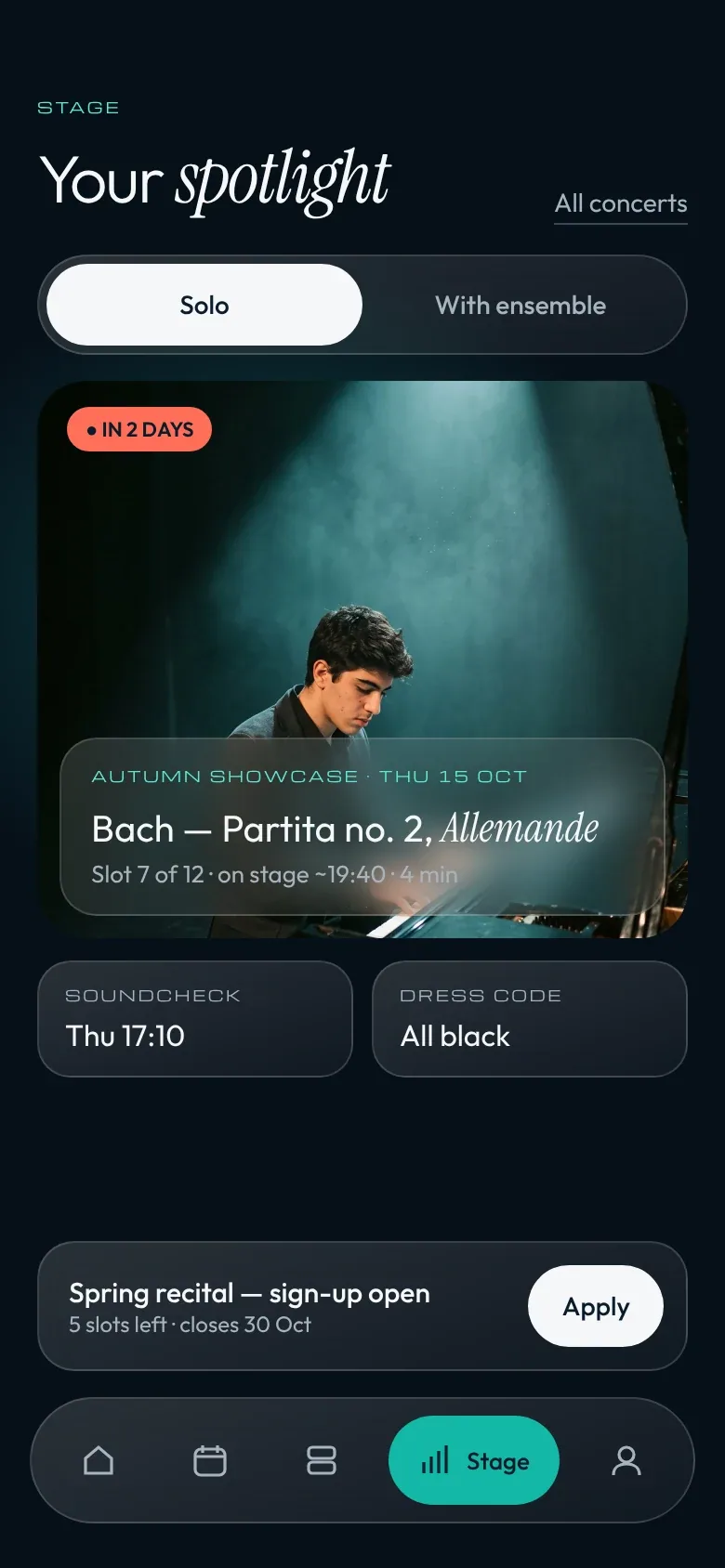
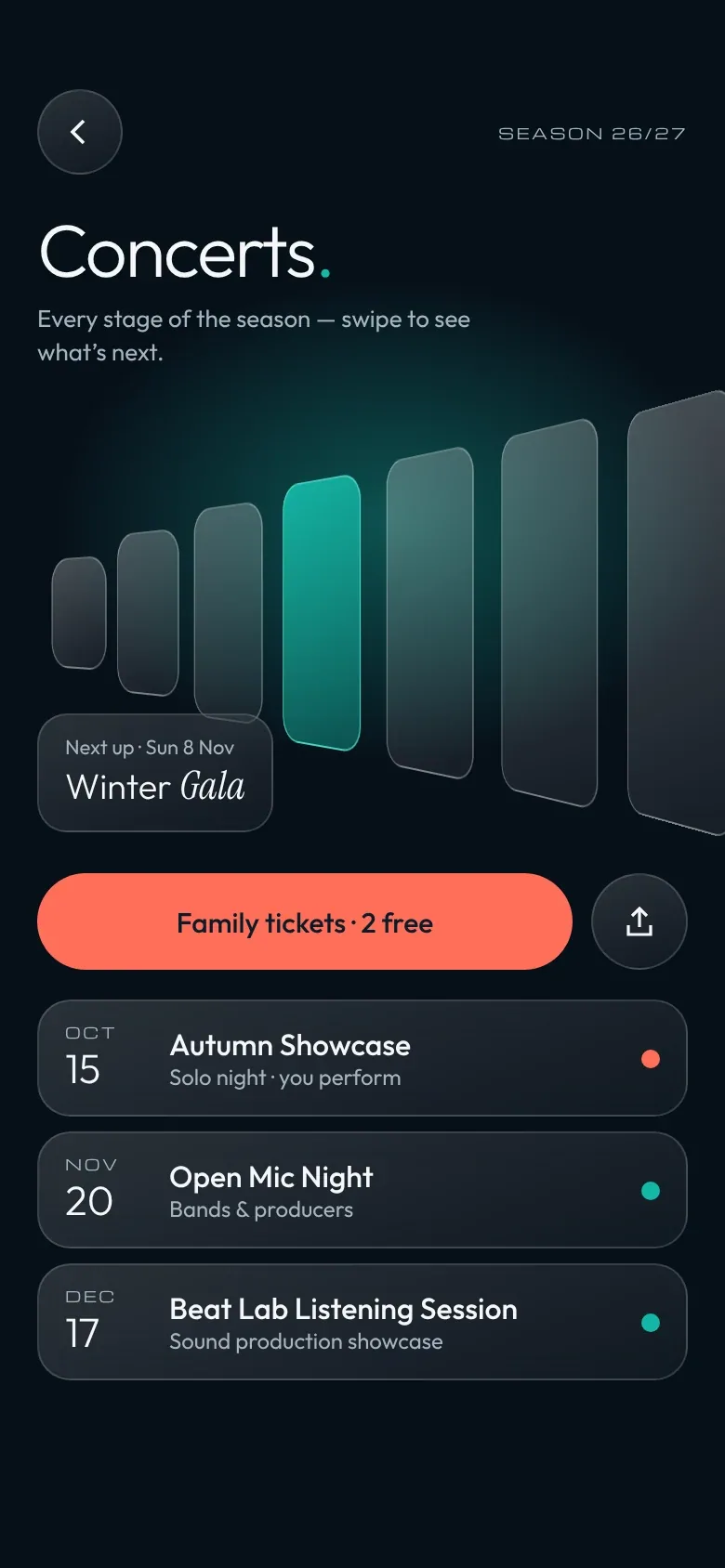
04 · StageSolo and ensemble performances, concerts, sign-ups.
Key screens.
Stage mode
When it’s showtime, the app goes dark glass.
Concerts and performances switch to a stage palette: deep navy, frosted cards and a turquoise glow. The season’s concerts fan out like a crescendo, and the next one lights up.
Built for the scroll.
Light, dark and color tiles alternate like a score. Every row holds a stage moment, a student and a call to join — concerts, soloists, competitions and open seats.
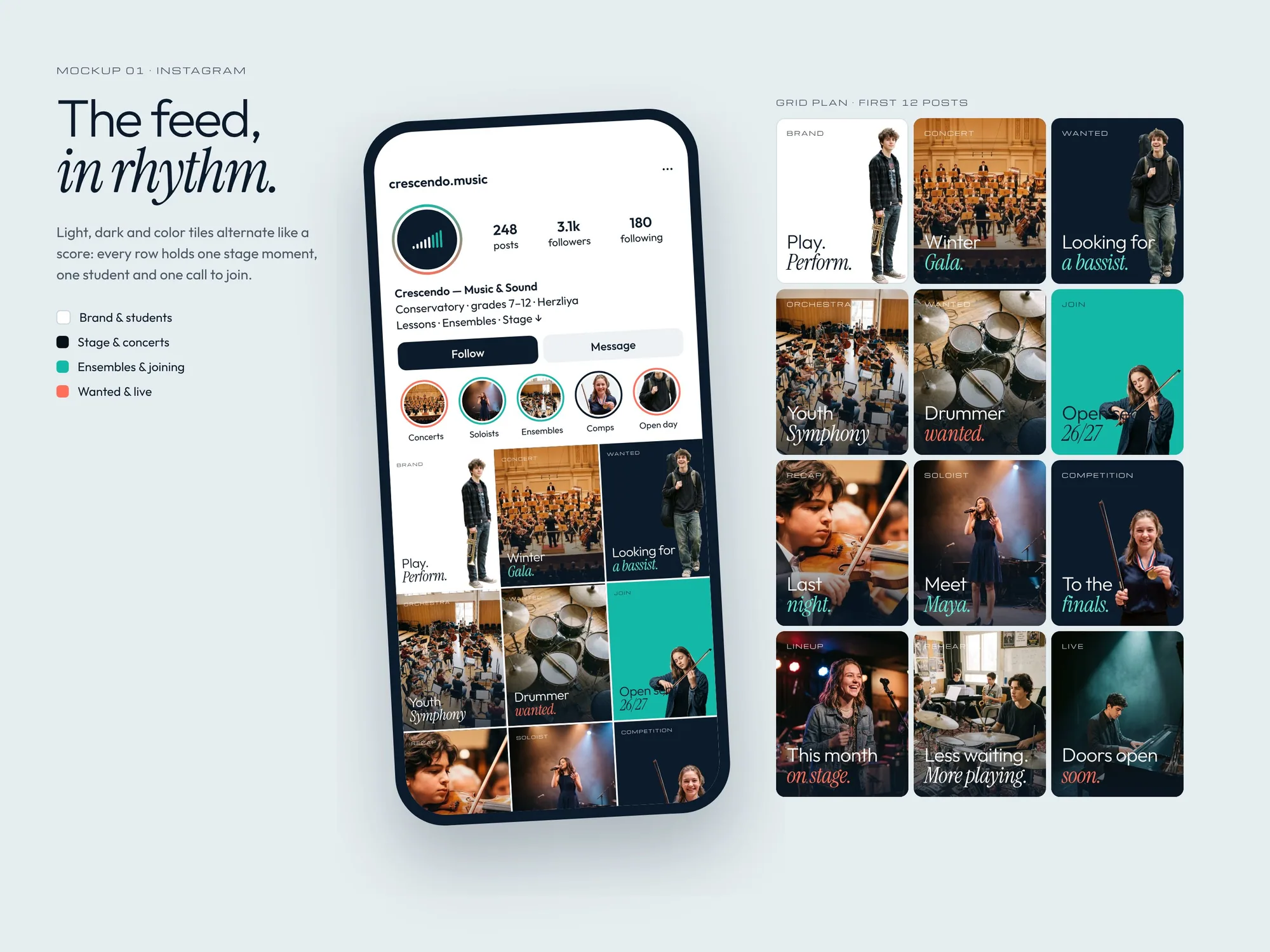
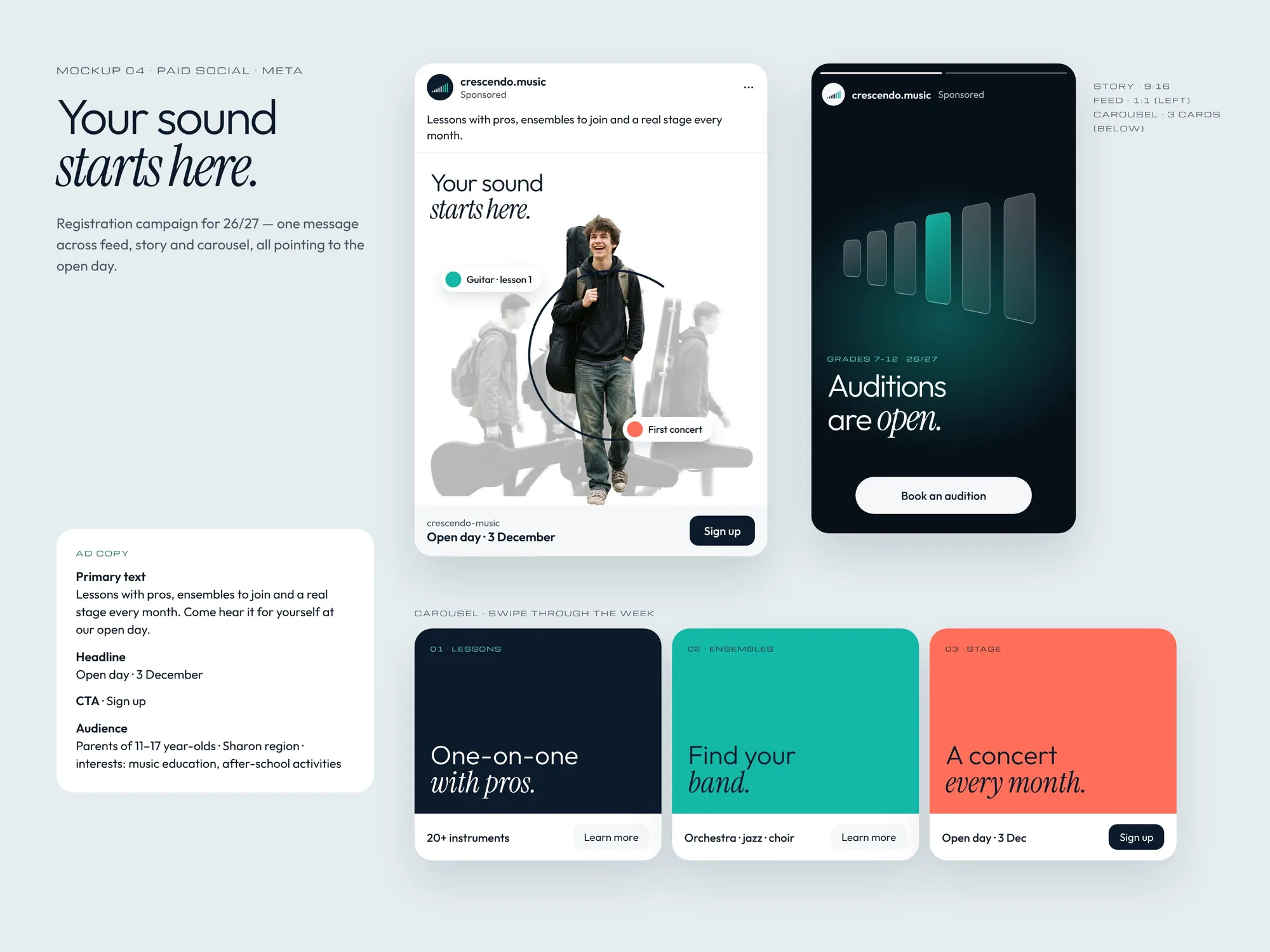
Posts that perform.
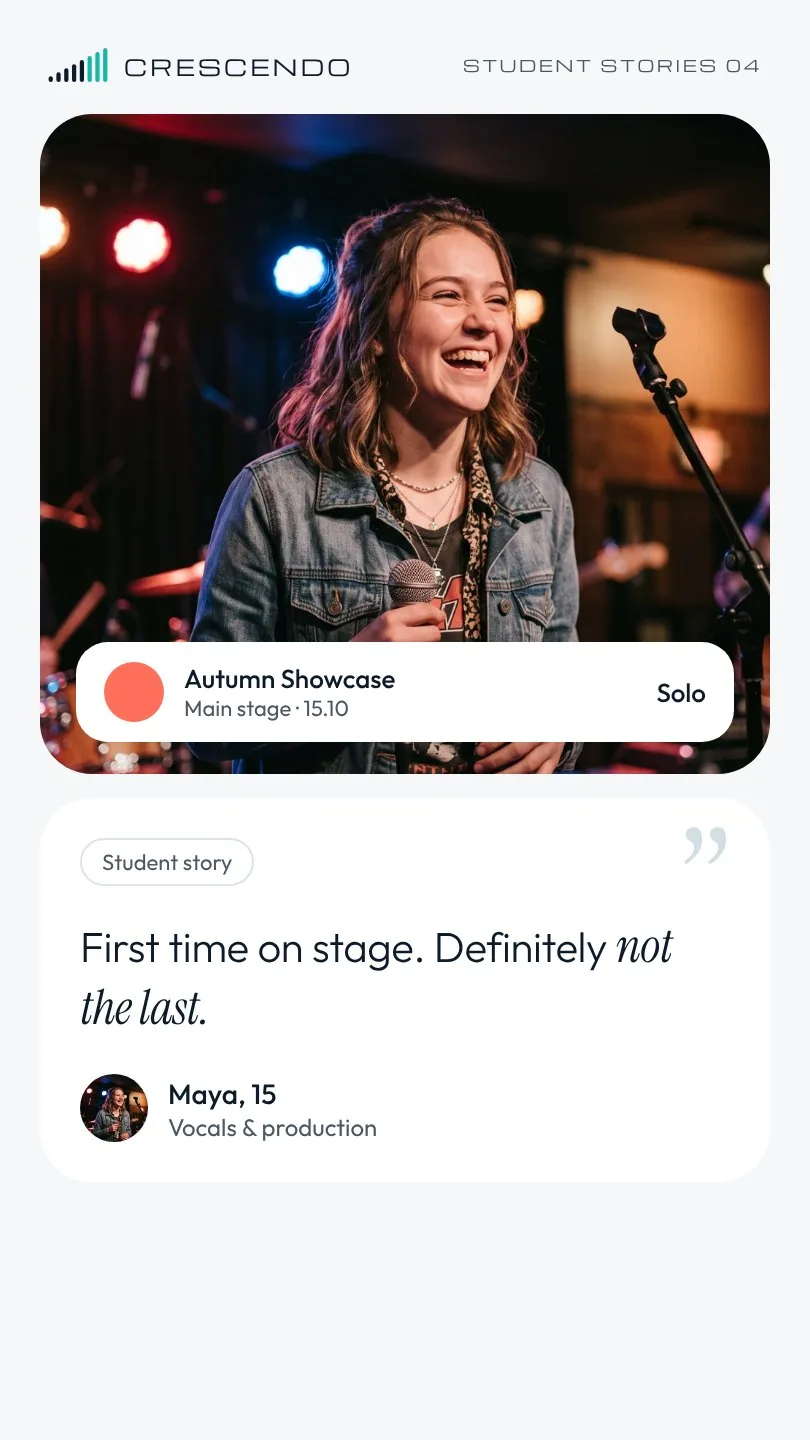
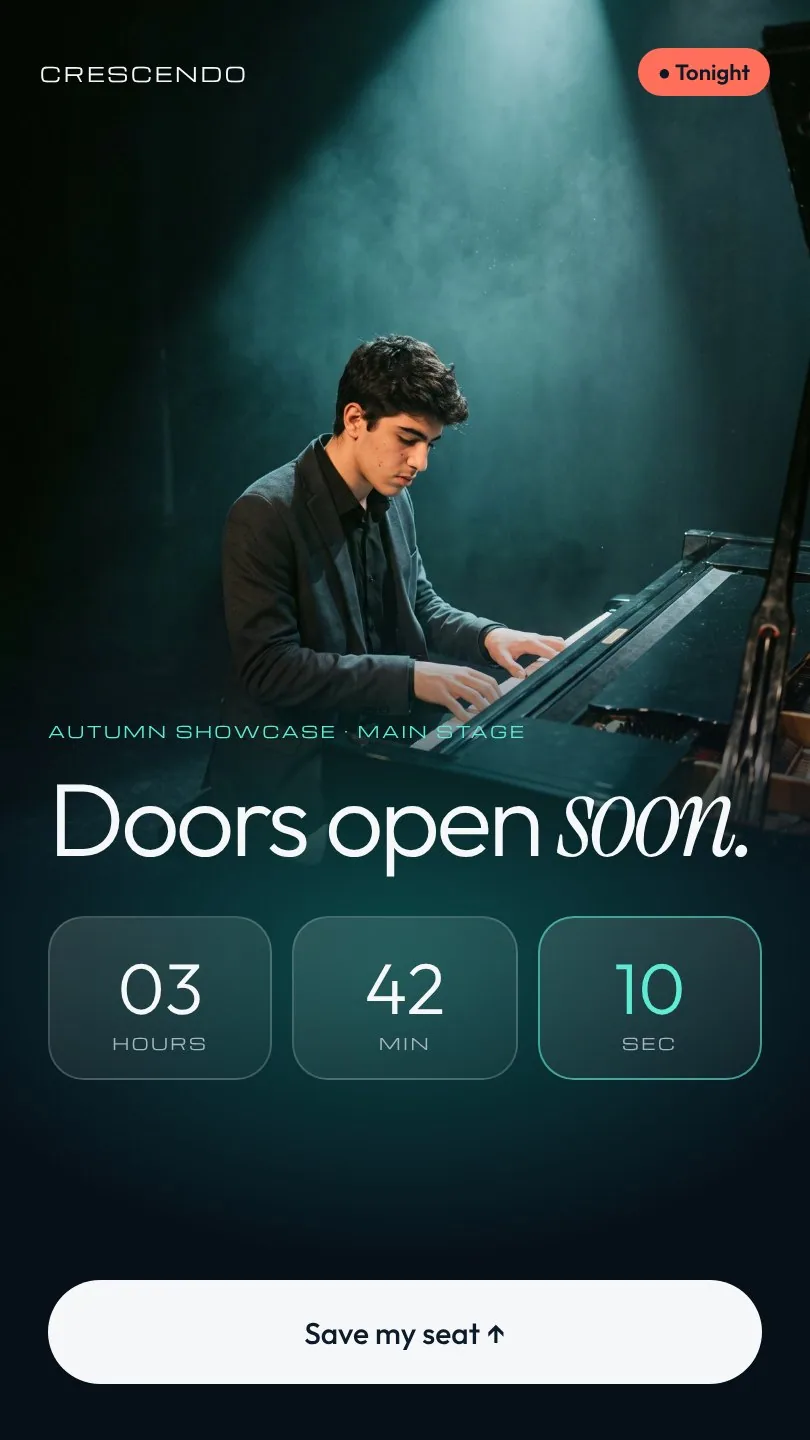
Stories
Student stories by day, countdowns by night.
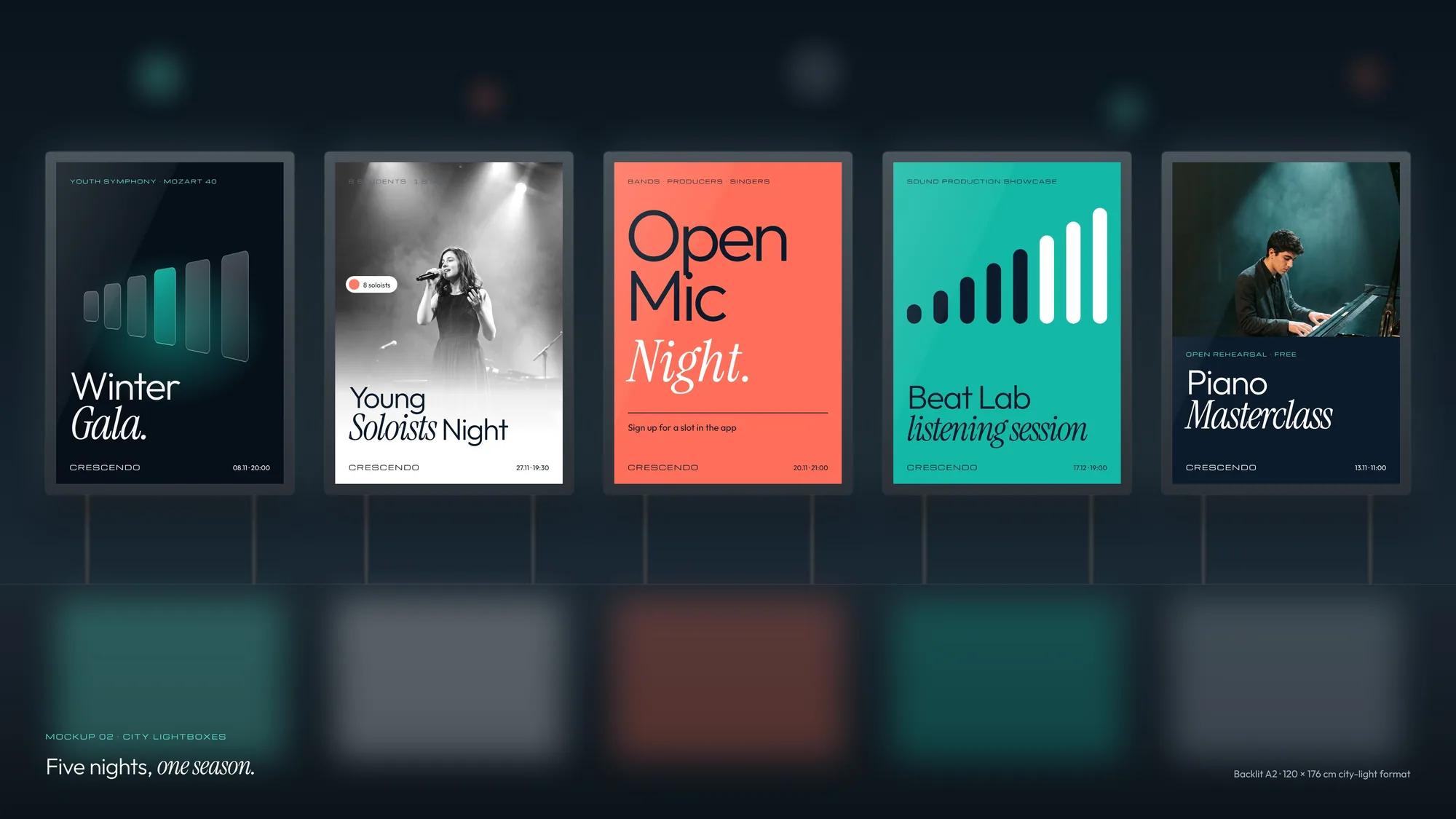
From the feed to the street.
Thanks for listening.
Contact
Have a project in mind?
Tell me a little about the project and I'll get back to you within one working day to set up a short intro call.